The Best Memory Cards for the Nikon Z5 IIC's RAW Video
The Nikon Z5 IIC records RAW video to a single SD slot, so card choice matters. Here's what speed you need, record times, and the best cards.

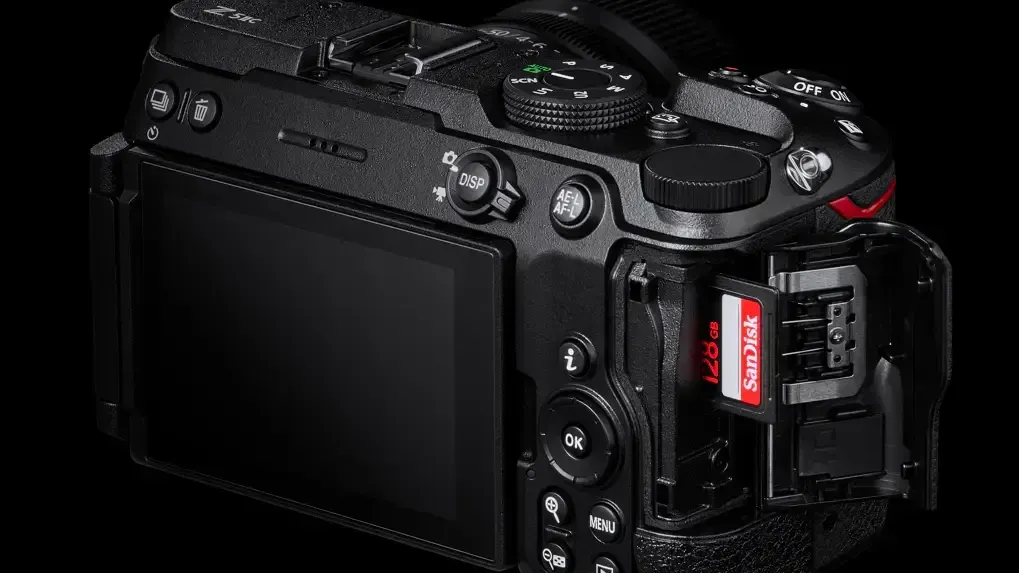
The Nikon Z5 IIC records internal 12-bit RAW video, but it records it to a single SD card slot. That makes card choice more important than usual. There's no second slot for backup, and a card that can't keep up can drop frames or stop a recording.
Here's what card speed the Z5 IIC actually needs, how much footage different card sizes hold, and the best SD cards to buy.
What the Z5 IIC Accepts
The Z5 IIC has one SD card slot that supports SD, SDHC, and SDXC cards, including UHS-II. It doesn't support CFexpress.
For N-RAW video, Nikon recommends V90-class cards.
What Speed You Actually Need
A card's V rating is its guaranteed minimum sustained write speed. V90 means 90MB/s, V60 means 60MB/s, and V30 means 30MB/s.
Here's roughly how the Z5 IIC's video modes translate:
- 12-bit N-RAW (up to 4K30): 340–420 Mb/s, or about 43–53 MB/s. Use V90, per Nikon's recommendation.
- 10-bit H.265 4K (up to 60p): 150–190 Mb/s, or about 19–24 MB/s. V30 minimum; V60 recommended for headroom.
- H.264 1080p: 30–50 Mb/s. V30 is plenty.
On paper, a V60 card's 60MB/s minimum sits above N-RAW's top bitrate. But that margin is thin, and Nikon specifically recommends V90 for RAW. With no backup slot, that extra headroom is worth paying for.
UHS-II matters too. The Z5 IIC's slot supports it, and UHS-II cards offload footage to your computer much faster than UHS-I cards, which adds up quickly with RAW files.
How Much Footage Fits
RAW video fills cards fast. At N-RAW's highest bitrate of about 420 Mb/s, rough record times are:
- 128GB: about 40 minutes
- 256GB: about 80 minutes
- 512GB: about 2 hours and 40 minutes
At the Z5 IIC's top H.265 bitrate of about 190 Mb/s, a 128GB card holds roughly 90 minutes.
Actual times vary with settings and frame rate, so treat these as estimates.
Best Overall: OWC Atlas Ultra SDXC V90 UHS-II
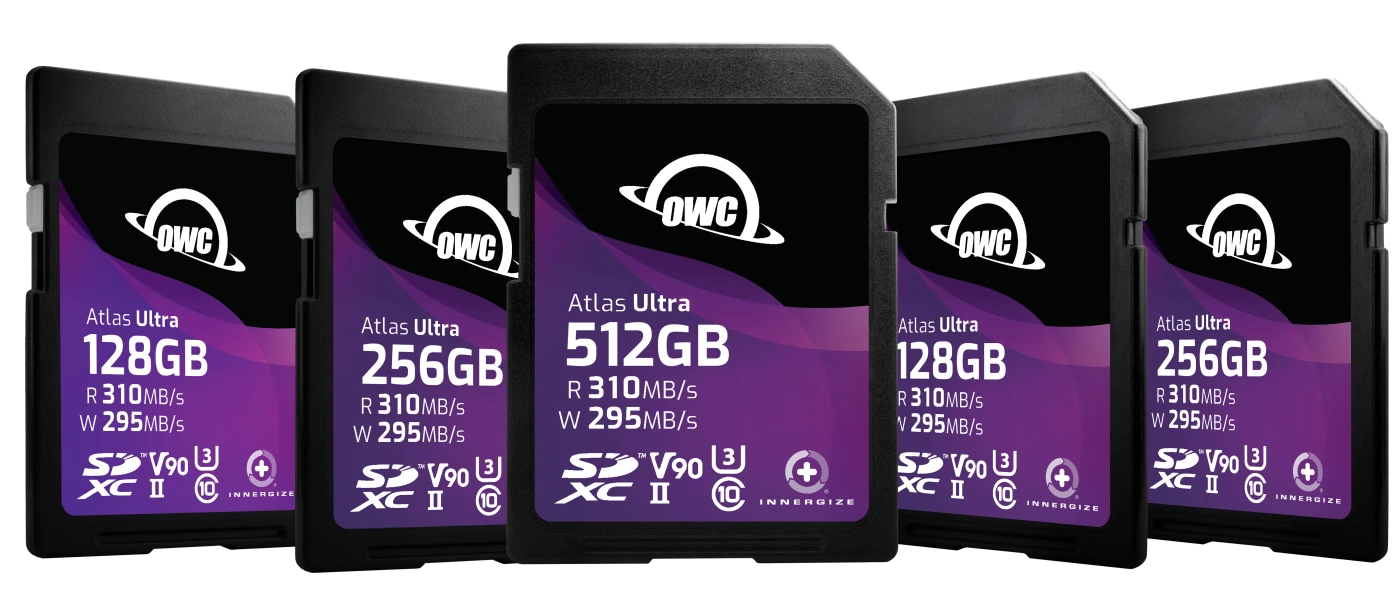
OWC's Atlas Ultra is our top pick for the Z5 IIC. It's rated V90 with a 90MB/s minimum sustained write, and OWC lists peak speeds of up to 295MB/s write and 310MB/s read.
That sustained write speed is exactly what N-RAW needs, and the fast read speed makes offloading large RAW files much quicker. OWC also says the cards are built to withstand x-rays, shocks, bends, dust, and water.
For most Z5 IIC shooters, the 128GB or 256GB version is the sweet spot for RAW.
Best for: N-RAW video, fast offloads, and reliable everyday use.
Best Budget-Friendly V90 Alternative: Kingston Canvas React Plus V90
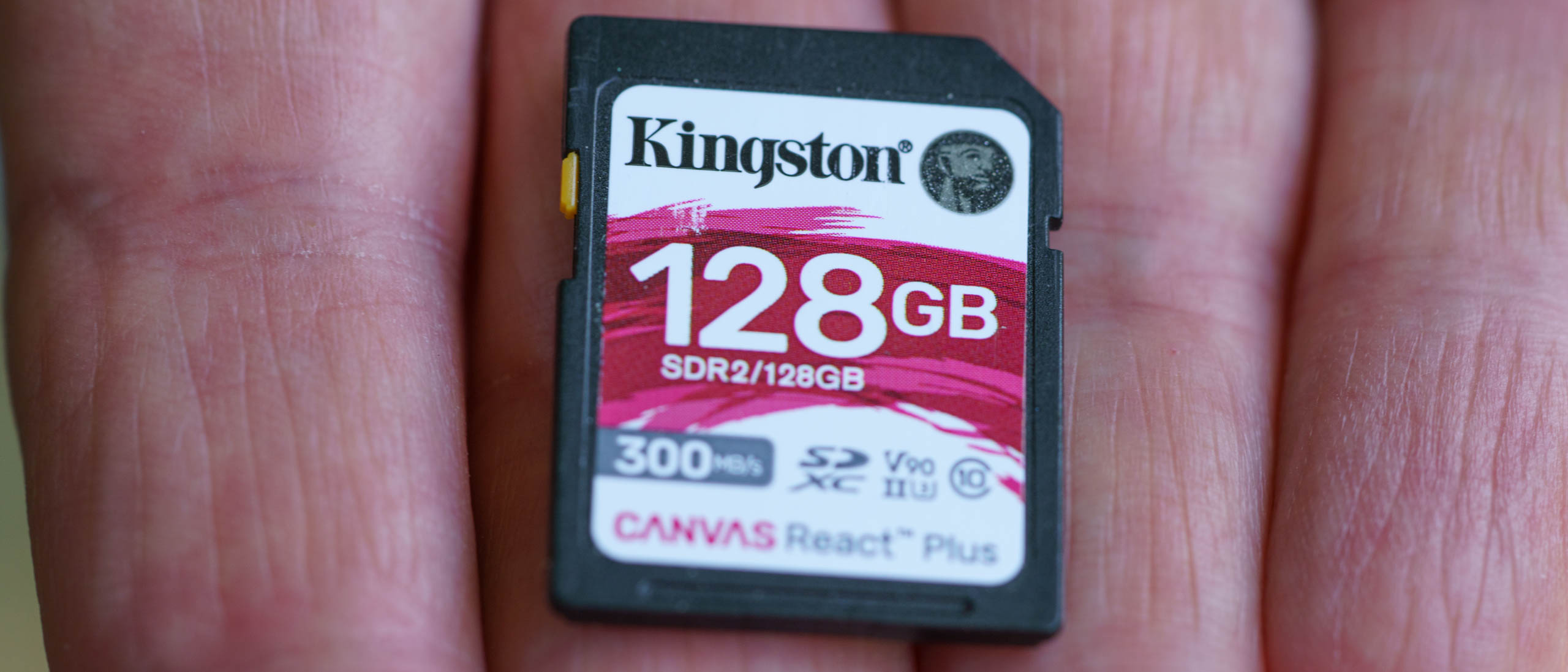
Kingston's Canvas React Plus V90 cards offer UHS-II V90 speeds, with up to 300MB/s read and 260MB/s write. They're a solid option if you need a second or third V90 card to rotate through.
Best for: building out a multi-card kit for RAW.
Best Widely Available Option: SanDisk Extreme PRO SDXC UHS-II V90
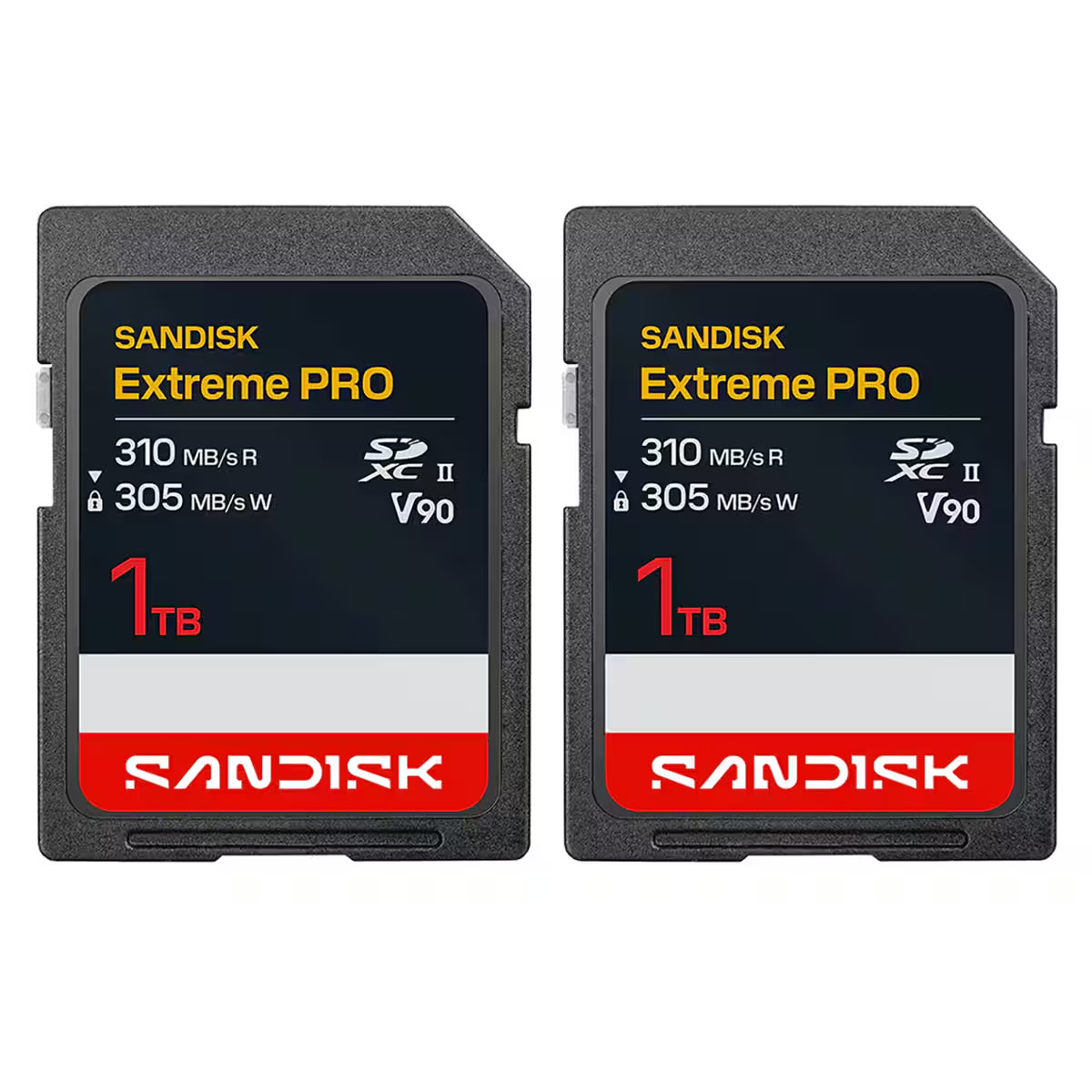
SanDisk's Extreme PRO UHS-II V90 cards are easy to find at most retailers and rated up to 300MB/s read and write. It's a reliable choice if you need a card quickly.
Best for: easy availability and a well-known brand.
Other V90 Options
PNY's EliteX-PRO90 V90 cards, rated up to 300MB/s read and 280MB/s write, are another UHS-II V90 option. Sony's TOUGH SF-G, ProGrade Digital, and Angelbird also make V90 UHS-II SD cards used widely by video shooters.
If You Won't Shoot RAW
If you'll mostly shoot H.265 or H.264, you don't need V90. A quality UHS-II V60 card will handle 10-bit 4K comfortably and cost less. OWC's Atlas Pro line includes V60 options.
Tips for Using a Single-Slot Camera
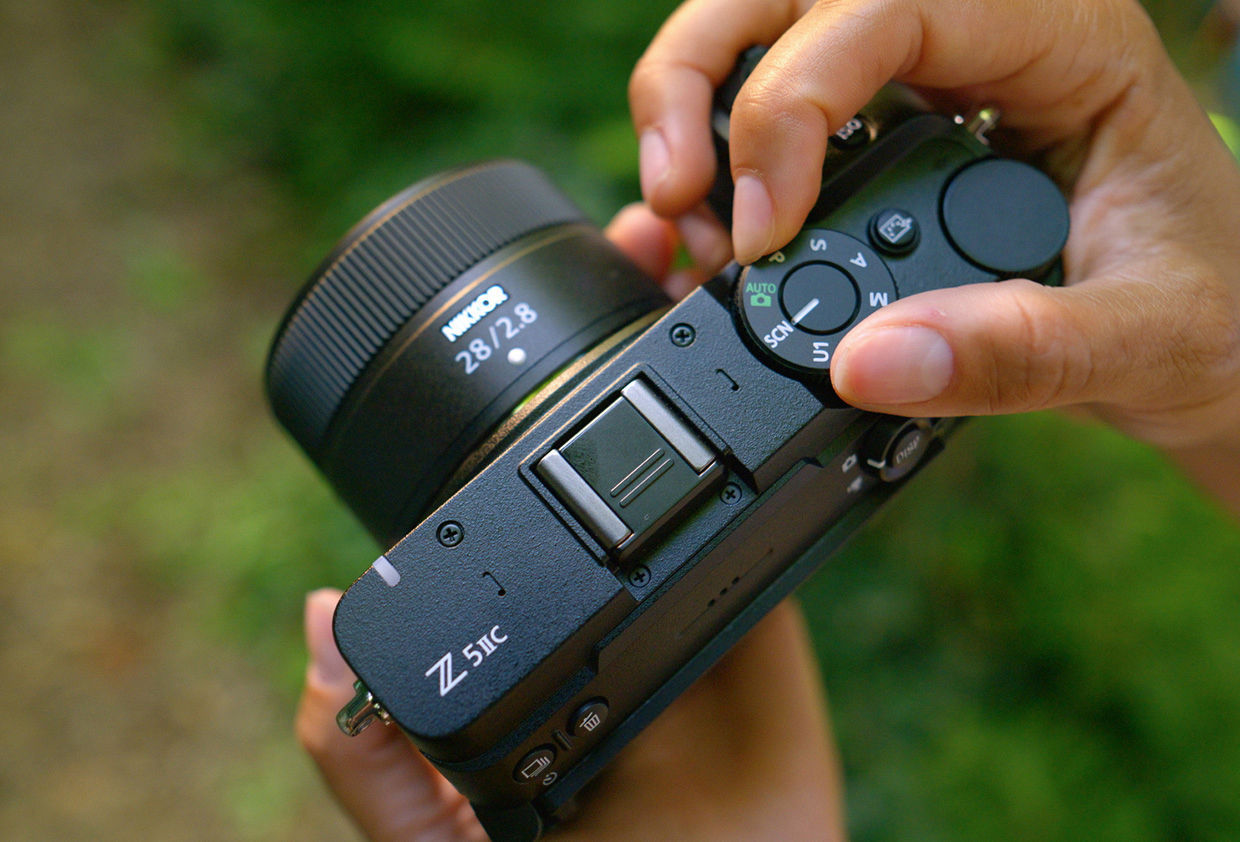
With only one slot, your workflow matters as much as your card:
- Offload and back up after every shoot before reusing a card
- Format cards in the camera, not on your computer
- Rotate multiple smaller cards rather than relying on one large card, so a single failure doesn't lose a whole day
- Consider an external recorder via HDMI for critical shoots where you want a backup copy
Competitive Context
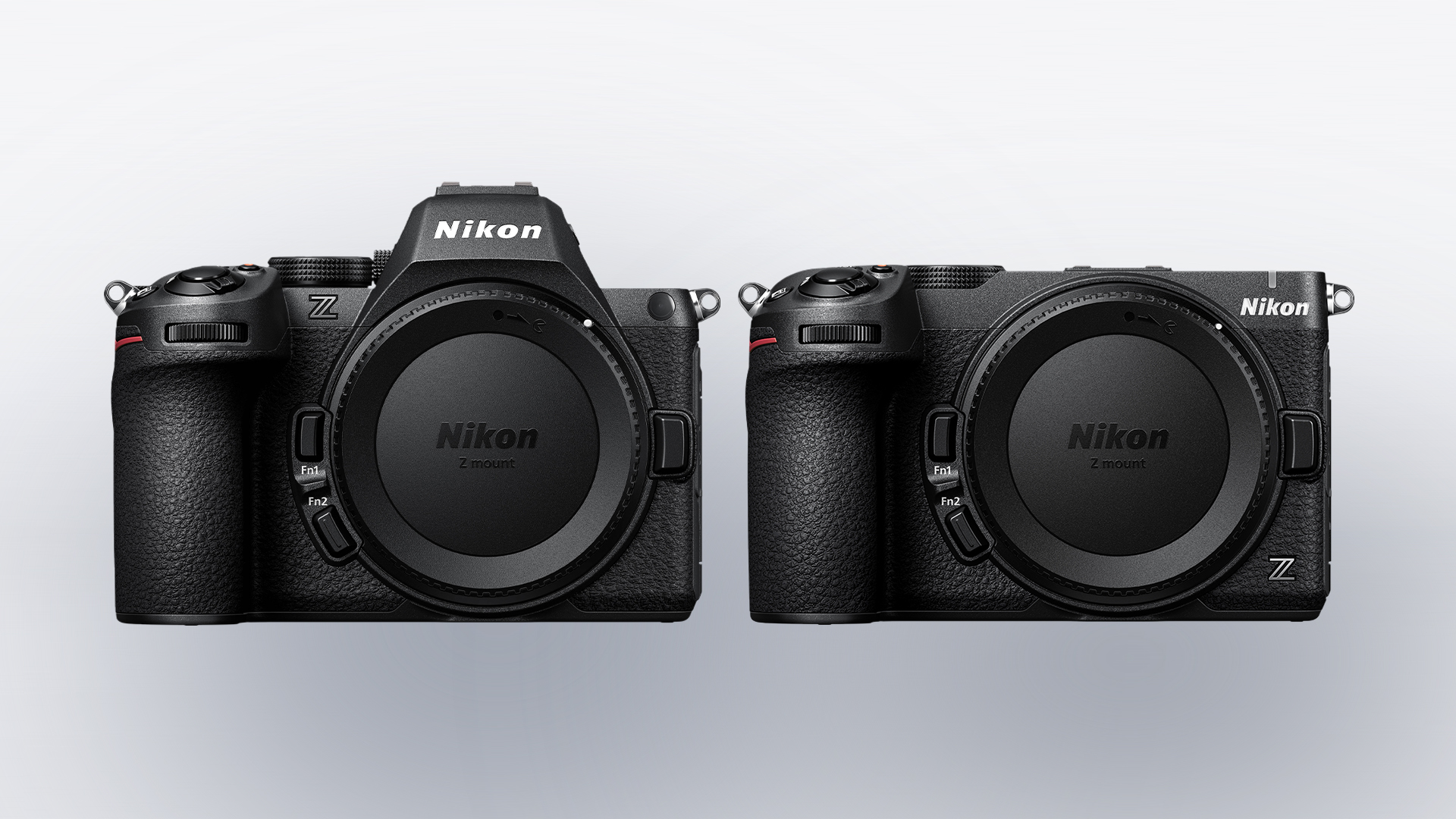
Single-slot cameras aren't unusual at this price, but pairing one with internal RAW video raises the stakes. Nikon's own Z5 II, for comparison, has two SD slots, which allows simultaneous backup recording.
The Z5 IIC's decision to stick with SD rather than CFexpress also keeps media costs down. Fast V90 SD cards cost far less than CFexpress cards of the same size.
The Signal in the Noise
For the Z5 IIC, the right card depends on whether you'll shoot RAW. If you will, buy V90, follow Nikon's recommendation, and don't cut corners, because there's no second slot to catch a problem.
If you won't, a good V60 card is enough, and the money is better spent on a lens.
Are you planning to shoot N-RAW on the Z5 IIC, or stick with H.265?
Specs & Pricing
- Z5 IIC card slot: single SD/SDHC/SDXC, UHS-II; no CFexpress
- Nikon recommendation for N-RAW: V90
- N-RAW bitrate: ~340–420 Mb/s (~43–53 MB/s)
- H.265 4K bitrate: ~150–190 Mb/s (~19–24 MB/s)
- N-RAW record time (approx.): 128GB ~40 min | 256GB ~80 min | 512GB ~2 hr 40 min
- OWC Atlas Ultra SDXC V90 UHS-II: up to 295MB/s write, 310MB/s read, 90MB/s sustained minimum; check current pricing
- Kingston Canvas React Plus V90: up to 300MB/s read, 260MB/s write; check current pricing
- SanDisk Extreme PRO SDXC UHS-II V90: up to 300MB/s read/write; check current pricing
- PNY EliteX-PRO90 V90: up to 300MB/s read, 280MB/s write; check current pricing
Exact pricing is available on each manufacturer's website.