Giving an AI Agent Access to Premiere, Resolve or Your Drive? Start With This Checklist
Before an AI agent touches your edit, check where it runs, what it can reach, what you can undo and what your clients allow. A filmmaker’s checklist.


AI agents can now work inside editing software. Adobe has an AI Assistant in Premiere, and DaVinci Resolve Studio has a built-in MCP server that lets assistants like Claude and ChatGPT control the edit.
An agent can rename clips, sort bins, apply LUTs and render timelines. It can also reach your files, run scripts and send what you type to the cloud.
This checklist covers what to check before you give an agent access to a project. It draws on what Adobe and Blackmagic have said so far, plus coverage from editors who tested the tools.
BRC’s guide to AI agents for filmmakers covers the basics.
1. Know Where the Agent Runs and What Leaves Your Machine
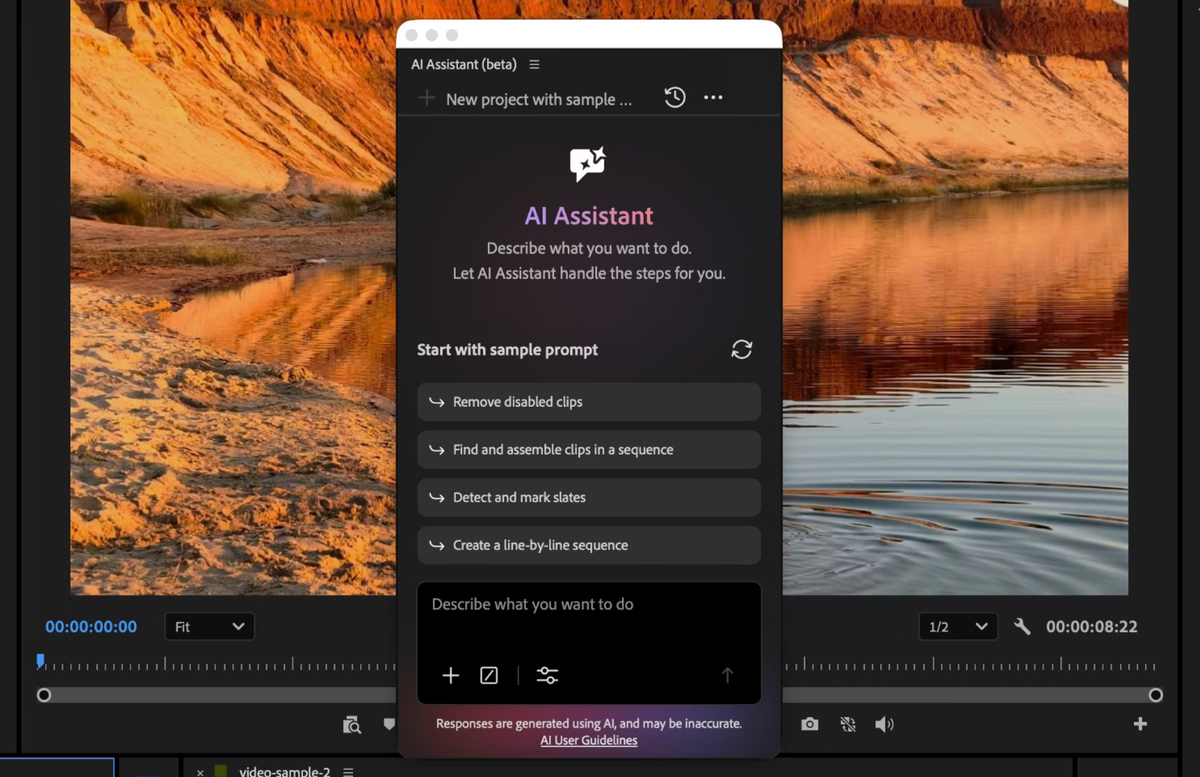
Some assistants run in the cloud, and others work on your machine through a local connection.
ProVideo Coalition advises assuming that anything typed into Premiere’s AI Assistant chat goes to the cloud. The article says it is not an on-device tool and doesn’t describe data retention.
Resolve works differently. Its MCP server is built in, and you interact in the assistant’s own chat, while Resolve does the work. Which assistant you connect decides where your prompts go.
Check each tool’s privacy terms before using it on client material.
2. Check What the Agent Can Reach
Blackmagic warns that scripts an AI assistant creates have the same access to disk, network and other system resources as the assistant itself, according to YMCinema’s coverage of the Resolve 21.1 manual.
Resolve’s setup screen, at File > Setup AI Assistants, detects Claude Desktop, Claude Code, Codex in ChatGPT, Google Antigravity and Grok.
Before connecting an assistant, list what it can touch: project files, media drives, cloud storage, email and connected accounts.
Adobe’s local MCP integrations, previewed at MAX, would let third-party agents edit native Premiere and After Effects project files. BRC’s coverage of Adobe’s local MCP integrations notes Adobe’s example of an agent pulling a brief from Google Docs and sharing the result in Slack.
Each connected app is another set of permissions to review.
3. Test on a Duplicate Project First
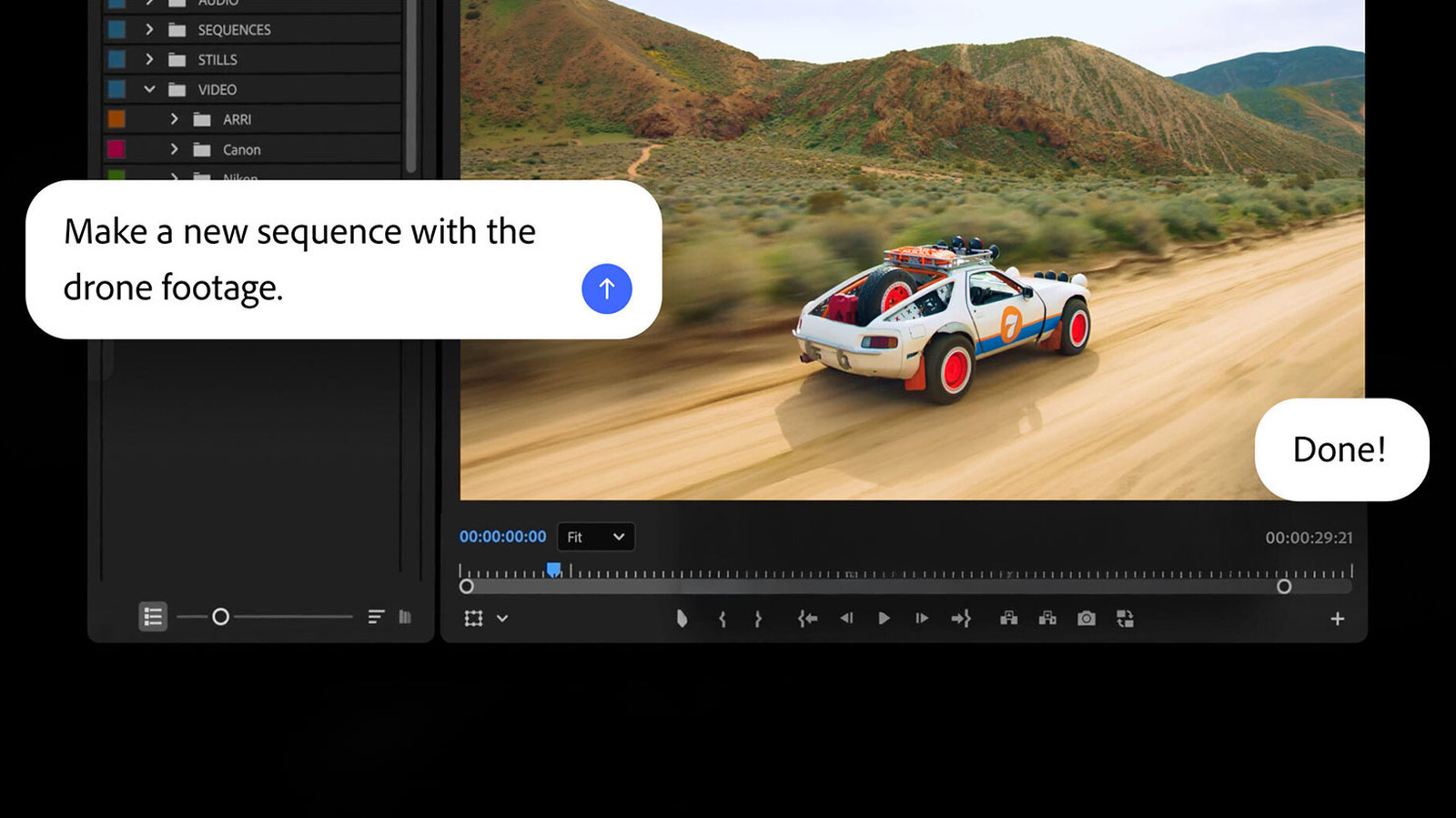
Work on a copy before pointing an agent at a client project.
Digital Production’s MAX writeup says its author wants to test versioning, path mapping, shared storage, logs and undo before using Adobe’s MCP integrations on real productions.
A duplicate lets you see what the agent does when it misreads a request, such as renaming the wrong clips or applying a LUT to the wrong nodes.
4. Confirm You Can Review Before and Undo After
Adobe’s Firefly AI Assistant beta adds Plan Mode, which lets users review and approve proposed actions before they run.
For Premiere’s assistant, ProVideo Coalition reports actions are reproducible, undoable and shown in the History panel. It doesn’t describe an approval step before changes.
If you keep working while the assistant runs, its steps mix with your own operations, and undo may not behave as expected.
Let the agent finish before you touch the timeline.
5. Look for an Action Log
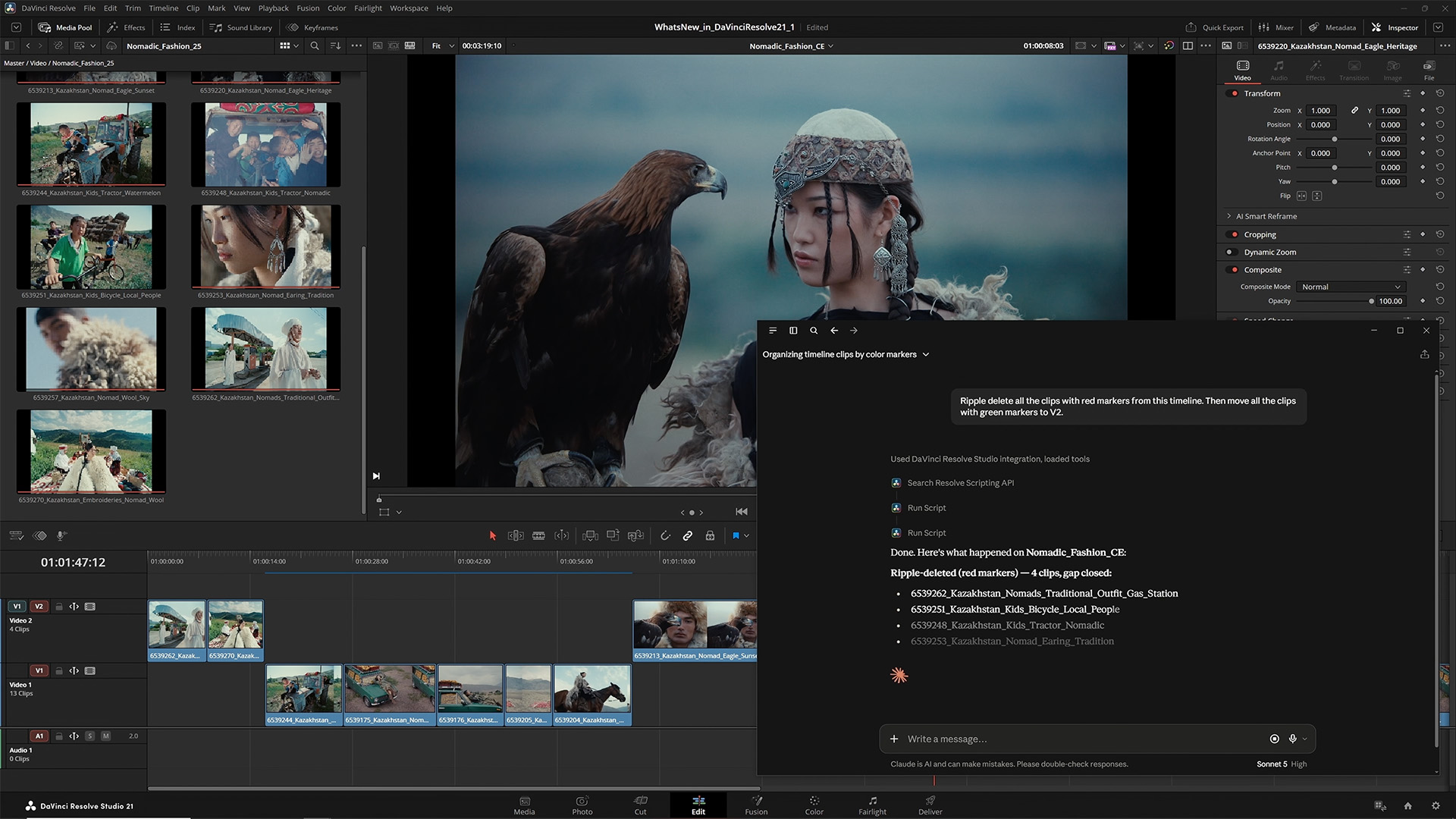
An agent that changes a project should leave a record of what it did.
Premiere’s History panel shows the assistant’s steps. For other tools, check whether there is a log or action history you can review afterward.
Digital Production lists logs and undo among the things it wants to test in Adobe’s preview. Adobe’s integrations are a preview, with a private beta planned for early 2027.
6. Check Your Client Contracts and File Storage
Check your client agreements and any NDAs before sending footage or transcripts to a cloud-based assistant.
In 2024, Adobe’s updated terms said it does not own user content and cannot monitor locally stored content. The update also said Adobe does not use user content for generative AI training unless it is uploaded to Adobe Stock. Cloud content is licensed to Adobe to provide services and meet legal requirements.
Larry Jordan advised keeping private projects stored locally rather than in the cloud. His article remains a useful reference on how storage choices affect privacy.
Whether your clients allow outside AI processing is a contract question, and the tool’s terms won’t answer it.
7. Limit Connected Accounts and Credentials
Give an agent only the accounts it needs for the task.
Connecting email, social accounts or cloud storage expands what a mistaken request can affect. Check each connection and remove it when the task is done.
For local MCP setups, ask where API keys and tokens are stored.
8. Watch Credits and Usage
Premiere’s AI Assistant may draw on Firefly credits, according to ProVideo Coalition.
During the beta, paid Creative Cloud users can use it without spending their entitled credits, up to a daily complimentary limit that resets the next day. Adobe hasn’t said what usage will cost afterward, according to BRC’s Creative Agent coverage.
9. Know How to Turn It Off
Before relying on an agent, find where to disconnect it.
In Resolve, the AI assistant setup lives under File > Setup AI Assistants. In Premiere, the assistant is a panel you open from the Window menu.
If a tool has no clear off switch, treat that as a reason to wait.
The Signal in the Noise
The tools differ, and the permission details are still developing. Adobe’s local MCP integrations are a preview with a private beta planned for early 2027, and BRC’s coverage found no details on how Adobe controls agent access.
Resolve’s built-in MCP server is available now. For background, see BRC’s DaVinci Resolve 21.1 AI assistants and MCP article and what MCP is.
If you want to try Claude with your editor, BRC’s guides cover connecting Claude to DaVinci Resolve and connecting Claude to Premiere Pro.
Most of the checklist applies to any agent, whatever the tool: scope its access, test on a copy, keep a record and know your contracts.
What’s the first thing you’d lock down before giving an agent your project: footage, cloud accounts or email?
Resources & Reads
- ProVideo Coalition: Premiere AI Assistant
- YMCinema: DaVinci Resolve 21.1 uses MCP to let AI assistants control the edit
- Digital Production: Adobe MAX 2026, AI video and audio
- Larry Jordan: Is Adobe accessing your private data?
- Adobe: Firefly expands
- BRC: What is an AI agent? A filmmaker’s guide
- BRC: Adobe local MCP integrations
- BRC: DaVinci Resolve 21.1 AI assistants and MCP